Do I need to enter a nickname?
No. ToonExy generates a nickname based on the avatar you select. You can still enter your own nickname, for example “Jenny.b”.

TOONEXY COMIC CHAT
Quick answers before you jump into your comic chat adventure.
No. ToonExy generates a nickname based on the avatar you select. You can still enter your own nickname, for example “Jenny.b”.
No. ToonExy creates a random Chat Place automatically. You can also enter your own Chat name, such as “AcmeRoom”. As long as it is not in use, it is yours 🤭
Pick one from the Avatar menu in the right panel. ToonExy will automatically generate a preview and a matching nickname.
Yes. Choose a background, then select a variation when one is available. The preview updates before you connect.
The FAQ page disappears and ToonExy switches into chat mode: comic panels appear on the left and the live chat controls appear on the right.
Yes. Once connected, use the I feel selector in the right panel to update your avatar expression. Not all avatars share the same expressions.
It creates a link you can share with friends so they can join the same chat place. They’ll enter the shared space with its selected channel and background, ready to chat and create comic panels together.
A Toonvitation is a personalized invite link that takes your guest directly into your chat place with one click. You can choose their avatar and nickname in advance, or ToonExy can assign them automatically. They’ll join the same chat place and background as you.
Yes. Use the Hide nicknames button in the active chat panel whenever you want a cleaner comic view.
When enough comic panels are available, use the "Spread the Laughs" option in the top bar to prepare a shareable link. (Top right menu 😀 )
A unique shareable link is generated for your comic. You can send that link to anyone you want to see it.
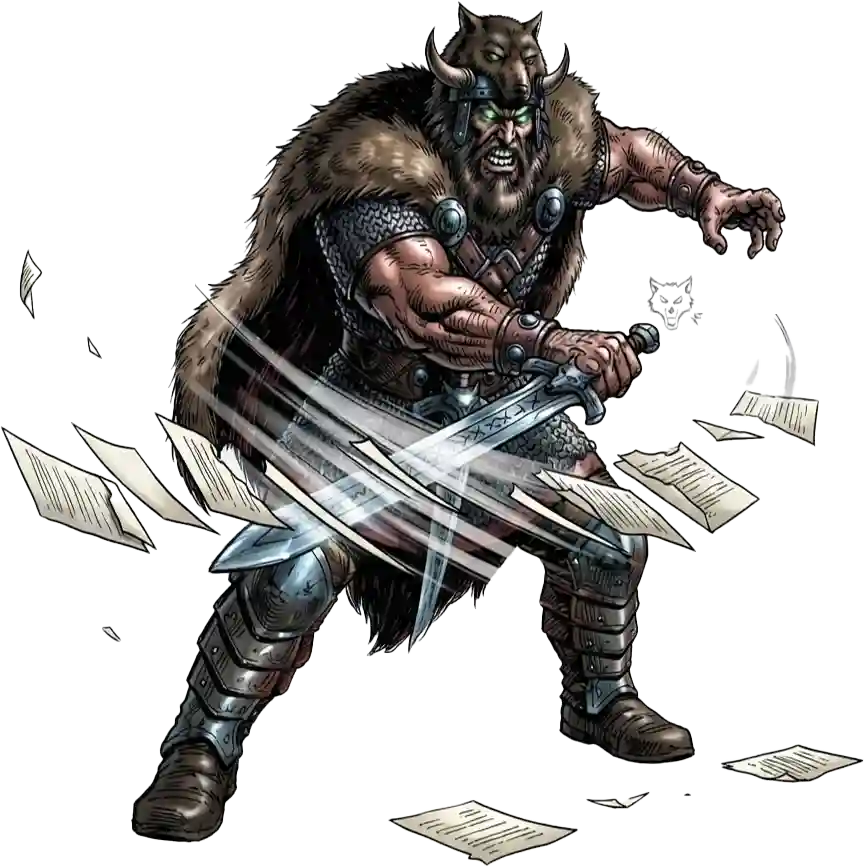
A shared comic stays online for 14 days from the day it is created. After that, Crom — yes, the God Crom 😆 — slices and deletes it.
Anyone you send the link to can see it until the shared comic is deleted. You know… It`s a "Crom job" 🤣
No. Your chat is not saved, logged or stored. Only people chatting in the same room, space or channel can see the conversation while it is happening. The exception is a comic export that you choose to create and share.